FAQ
Everything people usually ask about the app. If yours isn't here, send it over.
Which games are in the app?
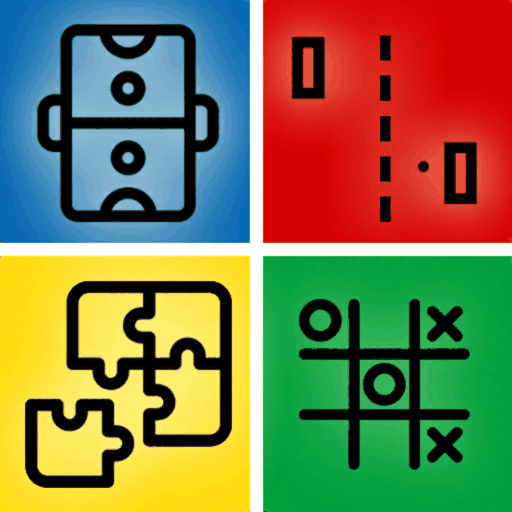
Three: Tic-Tac-Toe, Air Hockey and Pong. You pick one from the menu and can switch at any time — they are all included, with nothing to unlock.
Do both players use the same phone?
Yes, that is the whole idea. You lay the device flat between you and each take an end. Each player has their own controls on their own half of the screen, drawn facing them.
Can I play on my own against the computer?
No. This app is built specifically for two people sharing one device. If you want games with bots to fill the empty seats, 1 2 3 4 Player Games does that and seats up to four.
Is there an Android version?
Not at the moment — it is on the App Store for iPhone and iPad only. 1 2 3 4 Player Games is the closest thing on Google Play, and it covers two-player games as well as three and four.
Does it need an internet connection?
No. Both players are already in the same place, so there is nothing to connect to — no matchmaking, no room code, no account. It works fully offline.
Does it work on an iPad?
Yes, and air hockey in particular is better on one — a bigger table gives both players more room to move their mallet.
Is it free?
Yes, free to download and play, with all three games available from the start.
How long does a game take?
About a minute. Games are played over several rounds so one lucky point doesn't decide it, and the app is built around the rematch rather than a long single session.
Is it suitable for children?
Yes. The three games are classics with no violence, no chat and no way to contact anyone through the app, and nothing needs to be read to play them.
How do I request a feature or report a bug?
- Go to the report page.
- Fill in the form and send it.
- I will respond via email.
How do I remove ads in the app?
- Ads are only shown to non-Pro users.
- To disable ads, purchase a subscription or a one-time Pro upgrade if the app offers one.
How do I cancel a subscription?
On iOS/iPadOS/macOS:
- Settings → your name → Subscriptions, then select the subscription to cancel.
- Or go directly to Apple Subscriptions.
On Android:
- Play Store → your profile → Payments & subscriptions → Subscriptions.
- Or go directly to Play Store Subscriptions.
How do I uninstall the app?
On iOS/iPadOS/macOS:
- Hold the app icon on your home screen and tap the delete icon.
- Or go to Settings → General → iPhone Storage, select the app, and tap Delete App.
On Android:
- Hold the app icon and drag it to the uninstall icon.
- Or go to Settings → Apps, select the app, and tap Uninstall.
Disclaimer: if your data isn't saved to the cloud, it will be lost — data is stored locally on your device.
What should I do if the app stopped working?
Some basic troubleshooting steps:
Restart the device (no data lost):
- Hold the power button and slide to power off.
- Wait 10 seconds, then turn it back on.
Clear cache or reinstall (data will be lost — back it up first):
- On Android: Settings → Apps → select the app → Clear cache / Clear data.
- On iOS/iPadOS/macOS: delete the app and reinstall it from the App Store.
How do I restore purchases?
- Open the app and go to Settings.
- Tap Restore Purchases.
How do I update the app?
- Open the App Store or Play Store.
- Go to the updates section.
- Find the app and tap "Update".
How do I change the app language?
- Open the app and go to Settings.
- Select "Language".
- Choose your preferred language from the list.
How do I enable notifications?
- Open the app and go to Settings.
- Select "Notifications".
- Toggle the switch to enable them.
Do you offer a discount?
Not at this moment.
How often are updates released?
Roughly every 2-3 weeks, depending on the app.


